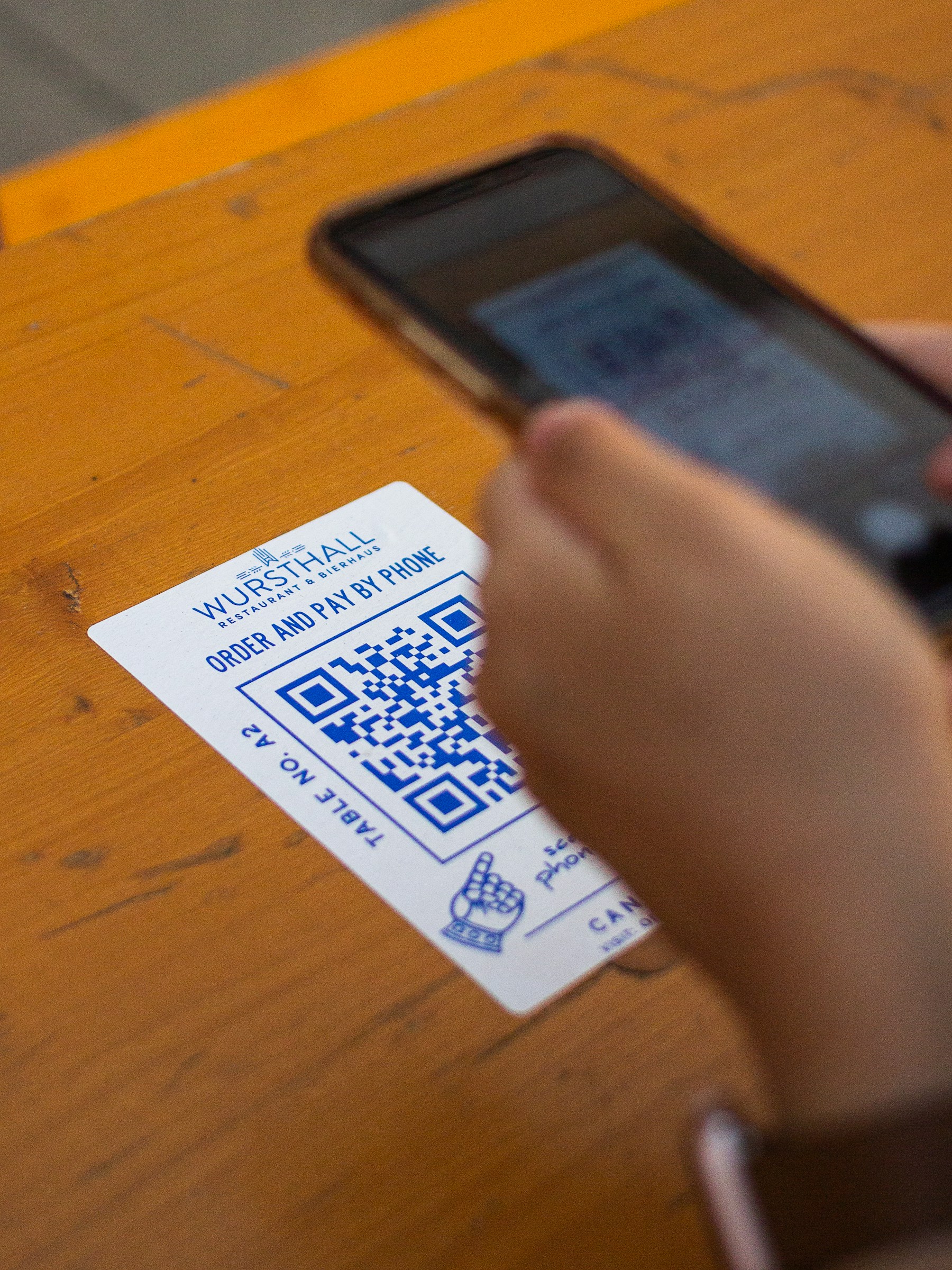
A video QR code opens a link to a video. The video stays on its hosting page; the QR contains a link, or a redirect that leads to it. That makes a short demonstration easy to share from packaging, a printed guide, or a display.
Imagine a manufacturer including a setup video with a new desk fan. The label can say “Scan to watch the assembly steps,” while the printed instructions remain available beside it. This is an example of the workflow, not a reported customer result.
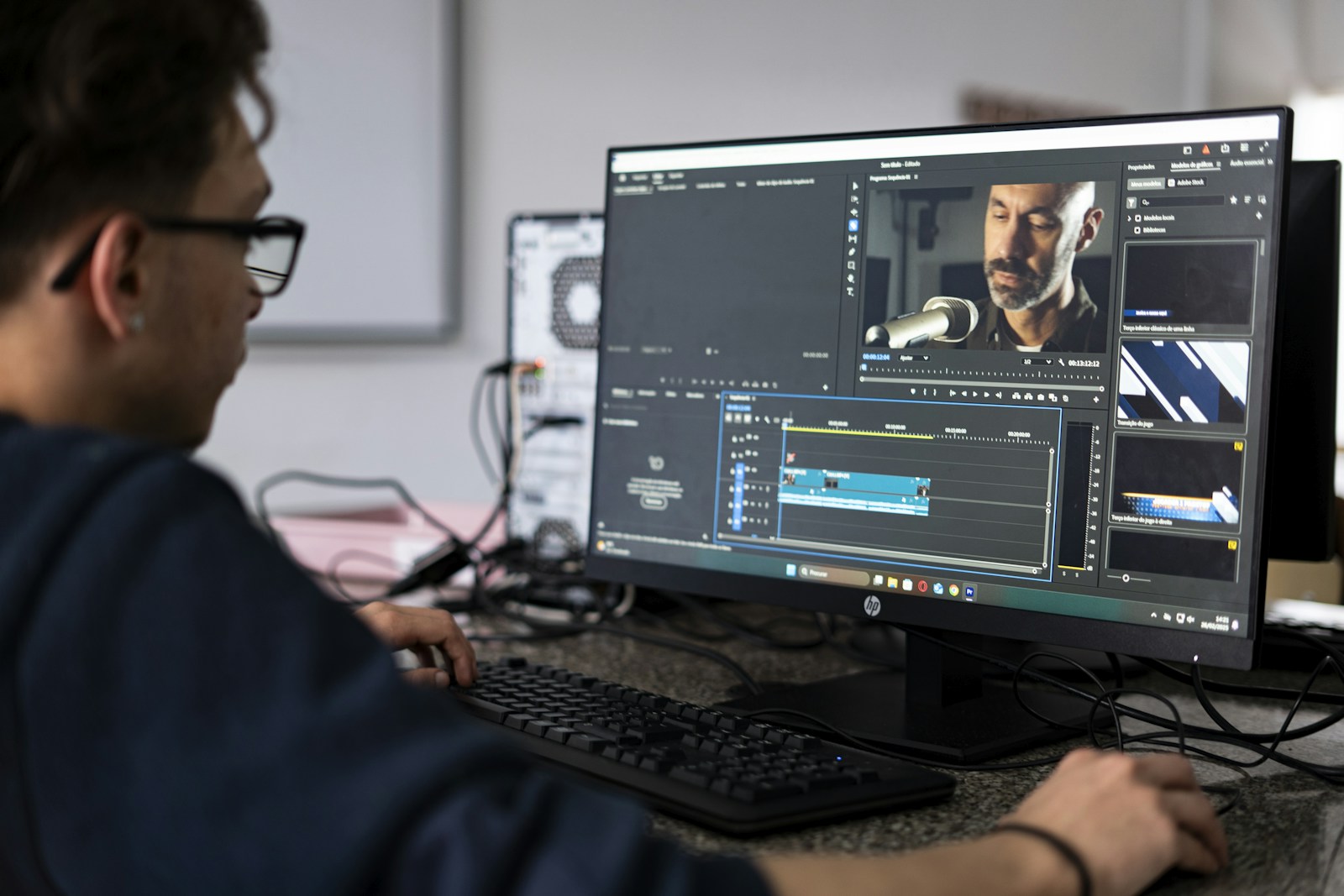
Check that viewers can open the video
Copy the video's viewer-facing share link. Avoid a creator dashboard or editing URL. Open it in a browser where you are not signed in, and check whether the intended viewer can watch it.
For YouTube, public and unlisted videos have different discovery settings, while private videos have restricted access. An unlisted link can be passed on by anyone who receives it; it is not confidential storage. Check YouTube's visibility guidance before choosing how to share your own video.
Create and test the video QR
- Choose the video and copy its share link.
- Paste the link into YouQR's QR code generator.
- Generate and download your code.
- Place it beside a caption describing the actual video.
- Scan it from the finished layout and check that the correct video opens and plays.
Test on a phone outside your own signed-in session. A page that works for the video owner may behave differently for a customer. Check whether mobile data, a login, an age restriction, or a regional restriction affects the intended viewing experience.
Give the viewer a useful next step
Choose a specific video rather than sending every scan to a whole channel. “Watch how to fit the handle” is more useful than “See our videos” when the code sits beside an assembly diagram.
Include captions or a written alternative when practical, especially if the video relies on speech. For questions the video does not answer, a product-information page can help. Our product information QR guide explains that broader approach. A normal video-link QR does not itself provide AI answers or host video files.
Frequently asked questions
Is the video stored inside the QR image?
No. This workflow opens a web link. The hosting page must remain available.
Can I use an unlisted video?
Yes, if sharing its link with everyone who sees the QR is appropriate. Anyone with the link may pass it on.
Can I replace the video after printing?
An editable redirect can point to a replacement link. A code containing the original video URL directly keeps that URL.
Will scanning start playback automatically?
That depends on the destination and device. Expect the viewer to open the page and possibly press play.